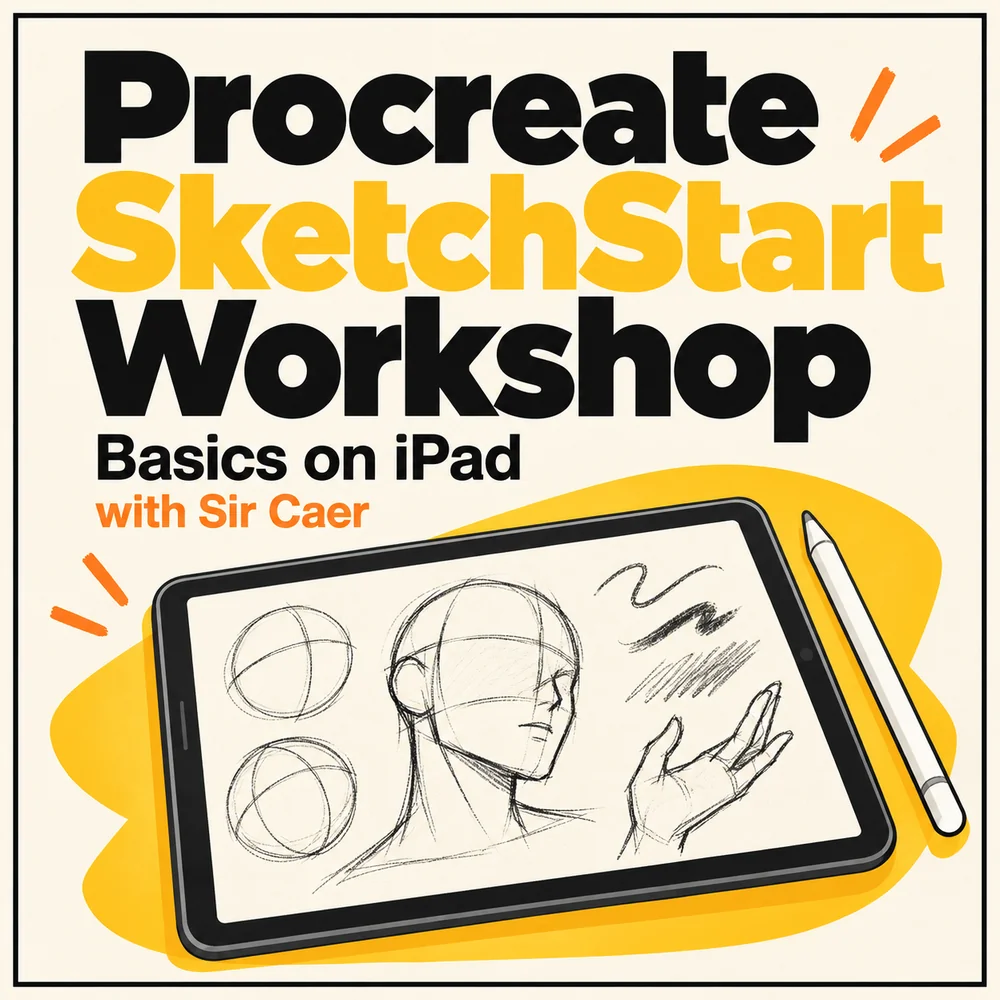
A paid module and 12 hours of online workshop training in one small-group package for 4–6 participants. Explore essential Procreate tools, practise sketching step by step and build confidence drawing on iPad.
Start with the tools. Build your sketching confidence.
For teachers, senior students, facilitators and anyone taking their first steps in digital illustration on iPad.
Essential Procreate tools and the sketching workspace
Basic sketching techniques, shapes and proportions
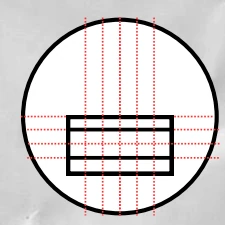
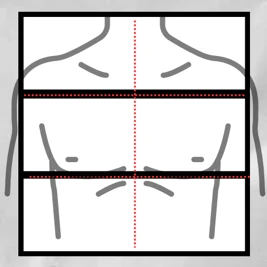
Using grids and drawing guides to structure a sketch
An introduction to face and body construction
Guided practice sketching objects, faces and forms
Learning outcomes
What you'll take away
Navigate the basic Procreate interface.
Choose the main tools for sketching.
Apply basic sketching techniques in a structured sequence.
Create a basic digital sketch on iPad.
Receive the learning module and 12 hours of intensive online workshop training.
Module previews
See how the foundations come together.
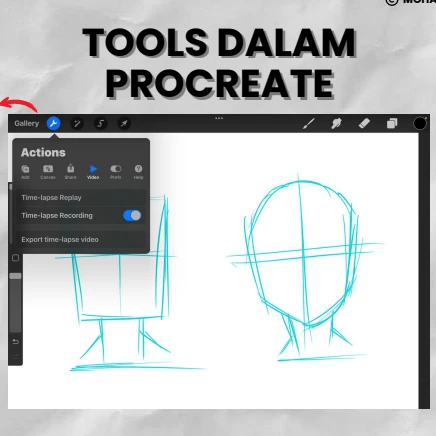
Procreate module preview showing sketching tools and head construction guides.Module preview showing a facial construction grid inside a circular guide.Module preview showing horizontal and vertical guides for basic body proportions.
Module + workshop
Ready to start sketching?
Contact EDUCOGATOR for package details, workshop availability and registration information.