
Back to The Cikgu Market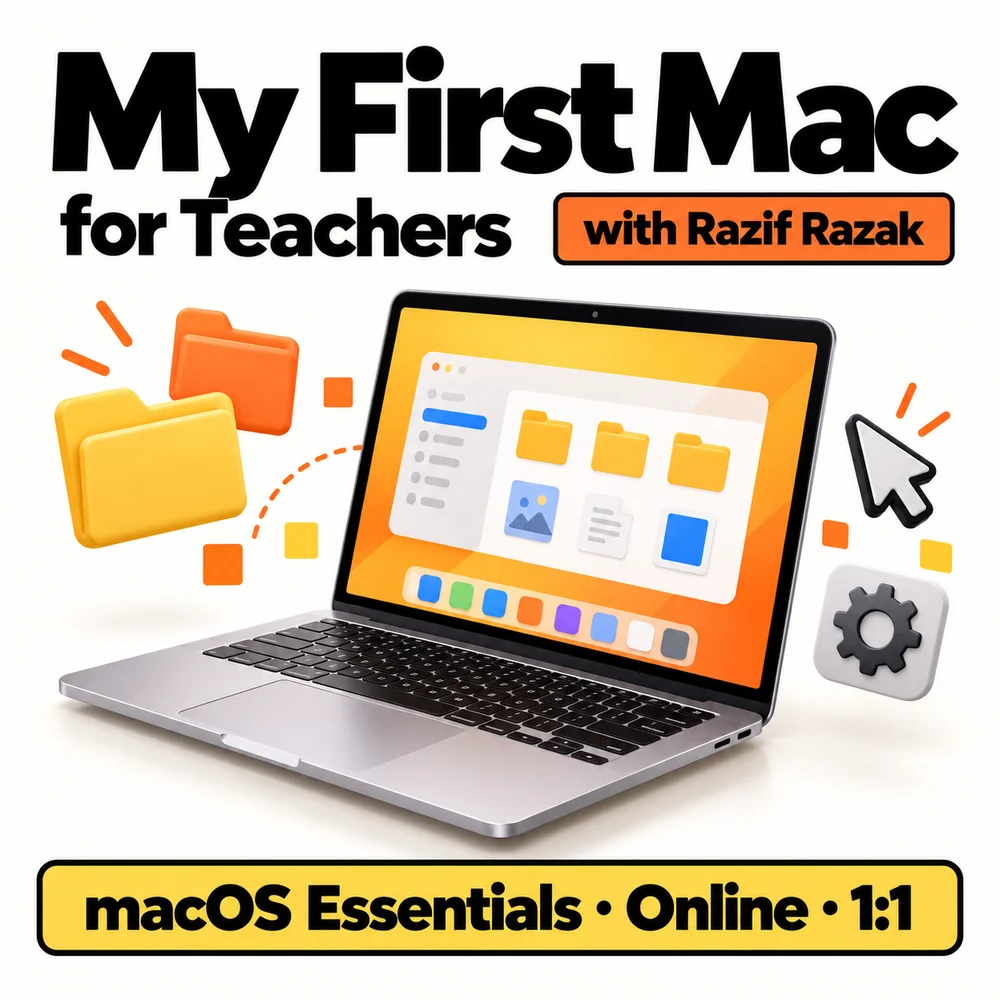
macOS Essentials for Teachers
Module & Training · The Cikgu Market
My First Mac
macOS Essentials for Teachers
Workshop trainer: Razif RazakApple Professional Learning Specialist (opens in a new tab)
Reference code: CM-001
A four-hour, one-to-one online workshop for teachers new to Mac or MacBook. Learn to navigate macOS, organise teaching materials and complete everyday tasks with guidance from Razif Razak.
Enquire now- Format
- Module & Training
- Workshop duration
- 4 hours
- Delivery
- Online
- Learning mode
- 1:1 Learning
Learning focus
Get comfortable with your Mac.
For teachers who are new to Mac or MacBook. Use your own Mac during the online session to practise each task.
- Navigate the desktop, Dock, Finder and essential settings.
- Organise files, folders, downloads and teaching documents.
- Work with apps, windows and useful keyboard shortcuts.
- Capture screenshots and prepare files for sharing.
- Practise a simple workflow for everyday teaching tasks.
Learning outcomes
What you'll take away
- Navigate macOS and adjust basic settings independently.
- Store and find your teaching materials in organised folders.
- Use shortcuts and screenshots to complete everyday tasks.
- Receive four hours of individual online guidance from Razif Razak.
Module & Training
Ask about My First Mac.
Contact EDUCOGATOR for package details, workshop availability and registration information.
Enquire about My First MacOpens your email app. Your message is sent only after you press Send.
hello [at] educogator.my