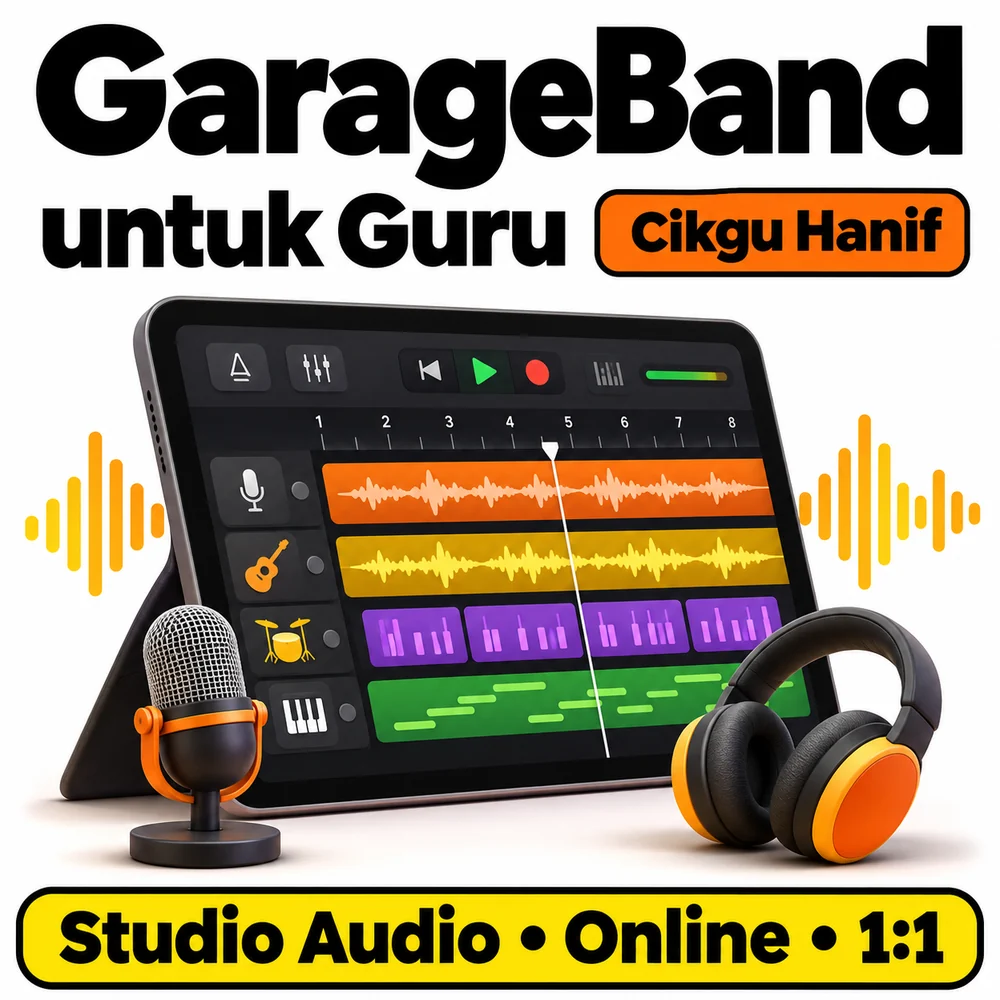
Create your first classroom audio project in GarageBand with individual guidance from Cikgu Hanif. Record a clear voice track, add backing audio and export a short resource for your next lesson.
For teachers new to GarageBand who want to create voice recordings, short podcasts or audio materials for lessons. Have GarageBand installed on a compatible Apple device for the online session.
Get familiar with the GarageBand workspace and audio tracks.
Record narration and trim clips to remove pauses or mistakes.
Layer narration with loops or simple sound effects and balance track levels.
Export an audio file for a lesson, classroom activity or short podcast.
Learning outcomes
What you'll take away
Record and edit a clear voice track in GarageBand.
Combine voice and backing audio in a simple mix.
Export a short audio resource that is ready to use in class.
Practical workshop
Plan your GarageBand session.
Contact EDUCOGATOR for package details, workshop availability and registration information.